
Understanding the Workday HCM modules is a useful starting point for anyone exploring HR technology, HRIS roles, or Workday functional consulting.
Workday Human Capital Management (HCM) brings employee and workforce processes together in a cloud platform. Its functional areas support activities ranging from recruitment and onboarding to compensation, absence management, and employee development.
This guide explains the main Workday HCM modules, their purposes, and a practical learning sequence for beginners. For an official product-level overview, see Workday’s Human Capital Management overview and its Core HCM product datasheet.
New to Workday? Start with our Workday HCM Training and Learning Path Guide. If your goal is a consulting career, continue with our guide to becoming a Workday HCM consultant.
What Are Workday HCM Modules?
Workday HCM modules are functional areas that help organizations manage human resource activities and employee information.
They are connected through worker records, organizational structures, roles, and business processes.
For example, an employee’s journey may begin with recruitment, continue through hiring and onboarding, and then move into ongoing workforce management.
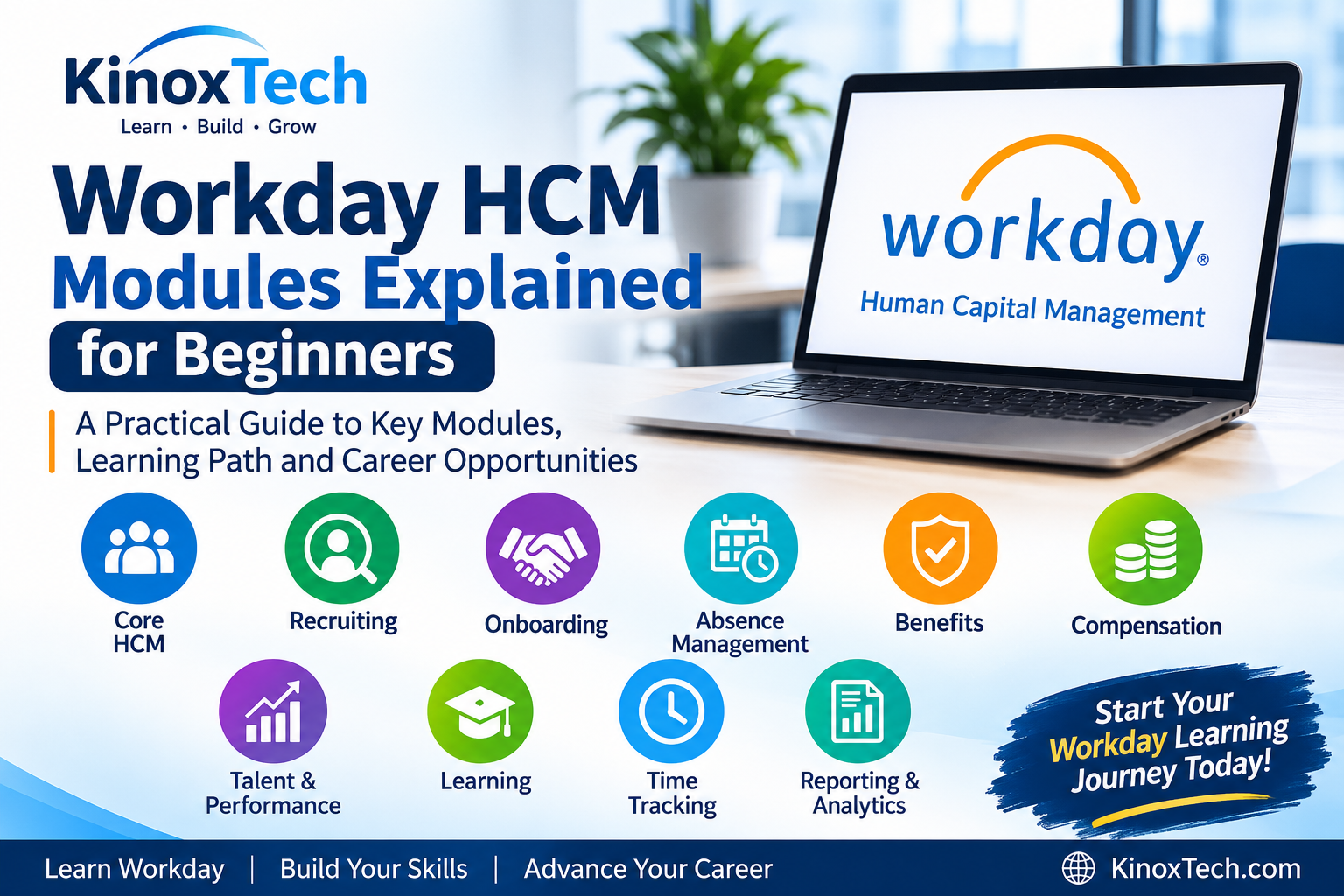
Key Workday HCM Modules
1. Core HCM
Core HCM provides foundational employee and organizational information.
Important concepts include:
- Worker profiles
- Employment details
- Supervisory organizations
- Job profiles
- Positions
- Locations
- Worker lifecycle events
Core HCM is generally the best starting point for beginners because other HR processes rely on accurate worker and organization information.
2. Workday Recruiting
Recruiting supports the hiring process, from creating job requisitions to selecting candidates.
Common concepts include:
- Job requisitions
- Candidate profiles
- Applications
- Interview stages
- Offers
- Hiring workflows
3. Workday Onboarding
Onboarding helps organizations coordinate activities for newly hired employees.
It can include information collection, assigned tasks, communications, and preparation for the employee’s start date.
4. Workday Absence Management
Absence Management supports employee leave and time-off processes.
Important concepts include:
- Leave plans
- Time-off requests
- Eligibility rules
- Absence balances
- Approval workflows
5. Workday Benefits
Benefits functionality helps organizations manage employee benefit plans and enrollment activities.
Examples include benefit eligibility, enrollment events, and employee elections. Available options depend on employer policies and country-specific requirements.
6. Workday Compensation
Compensation supports employee compensation processes, including salary changes, compensation plans, allowances, and bonuses.
Understanding effective dates and approval workflows is important when studying compensation.
7. Workday Talent and Performance
Talent and Performance functionality supports employee development and performance management.
It may include:
- Performance reviews
- Employee goals
- Feedback
- Talent assessments
- Development planning
8. Workday Learning
Workday Learning helps organizations assign and track employee learning activities.
It can support training courses, learning campaigns, completion records, and compliance-related learning.
9. Workday Time Tracking
Time Tracking supports working-time records, schedules, and time submissions.
Its configuration may connect with payroll or other workforce processes, depending on the organization’s systems.
10. Workday Reporting and Analytics
Reporting and analytics help organizations understand workforce information.
Common learning topics include:
- Report requirements
- Data sources
- Filters and prompts
- Calculated fields
- Workforce analytics
- Data access controls
How Workday HCM Modules Connect
The modules support different stages of the employee lifecycle.
- Recruitment: A hiring team creates a requisition and manages candidates.
- Hiring: An approved candidate becomes an employee.
- Employee management: Core HCM maintains worker information.
- Workforce administration: Benefits, absence, time, and compensation processes support employment.
- Employee development: Learning and talent processes support professional growth.
- Reporting: Authorized users analyze workforce information.
The exact process depends on each organization’s configuration and policies. Workday’s HCM Administrator Guide provides product documentation covering areas such as Core HCM, Recruiting, Compensation, Benefits, Absence and Time Tracking.
Which Workday HCM Modules Should Beginners Learn First?
A practical learning sequence is:
- Core HCM and organizational structures.
- Employee lifecycle processes.
- Business processes and approvals.
- Security fundamentals.
- One specialist area, such as Recruiting, Benefits, or Absence.
- Reporting and integration fundamentals.
Choose a specialization based on your interests and the requirements of relevant job descriptions.
Four-Week Workday HCM Learning Plan
WeekLearning topicExpected outcome1Core HCM and organizationsUnderstand worker and organization concepts2Business processesUnderstand hiring and employee-change workflows3Specialist modulesExplore one functional area4Reporting and career preparationBuild a skills and study checklist
Four-Week Workday HCM Learning Plan
| Week | Learning topic | Expected outcome |
|---|---|---|
| 1 | Core HCM and organizations | Understand worker and organization concepts |
| 2 | Business processes | Understand hiring and employee-change workflows |
| 3 | Specialist modules | Explore one functional area |
| 4 | Reporting and career preparation | Build a skills and study checklist |
Use authorized training resources and environments. Access to official Workday training and practice tenants may be restricted to eligible customers, partners, or approved learners. For product information, consult the official Workday Human Capital Management overview.
Workday HCM Modules and Career Opportunities
Knowledge of Workday HCM can support preparation for roles such as:
- HRIS Analyst
- Workday Functional Consultant
- Recruiting Systems Analyst
- Workday Reporting Analyst
- HR Operations Specialist
Employers may require relevant work experience, platform access, implementation knowledge, and communication skills.
For interview preparation, read our Workday Interview Questions and Answers Guide.
You can also explore our Oracle vs Workday Career Guide.
Frequently Asked Questions
Is Workday HCM the same as Core HCM?
No. Workday HCM refers to the broader human capital management product area, while Core HCM provides foundational worker and organization functionality.
Which Workday HCM module is best for beginners?
Core HCM is generally the most logical starting point because many other HR processes rely on worker and organization information.
Do I need to learn every Workday HCM module?
No. Learn the foundations first, then specialize according to your career goals and relevant job requirements.
Can I practise Workday HCM without an employer tenant?
You can study HR concepts and authorized learning materials, but access to official Workday practice environments may be restricted.
Conclusion
Learning Workday HCM becomes easier when you understand how its functional areas connect to the employee life cycle.
Start with Core HCM, organizational structures, business processes, and security fundamentals. Then choose a specialist area that supports your intended career path.
Continue with the KinoxTech Workday HCM Training and Learning Path Guide to organize your next steps.
